
Controlling Who Can Visit Your SMP
Understand World Visits, direct invitations and whitelist controls so you can keep your private world accessible to the right players.
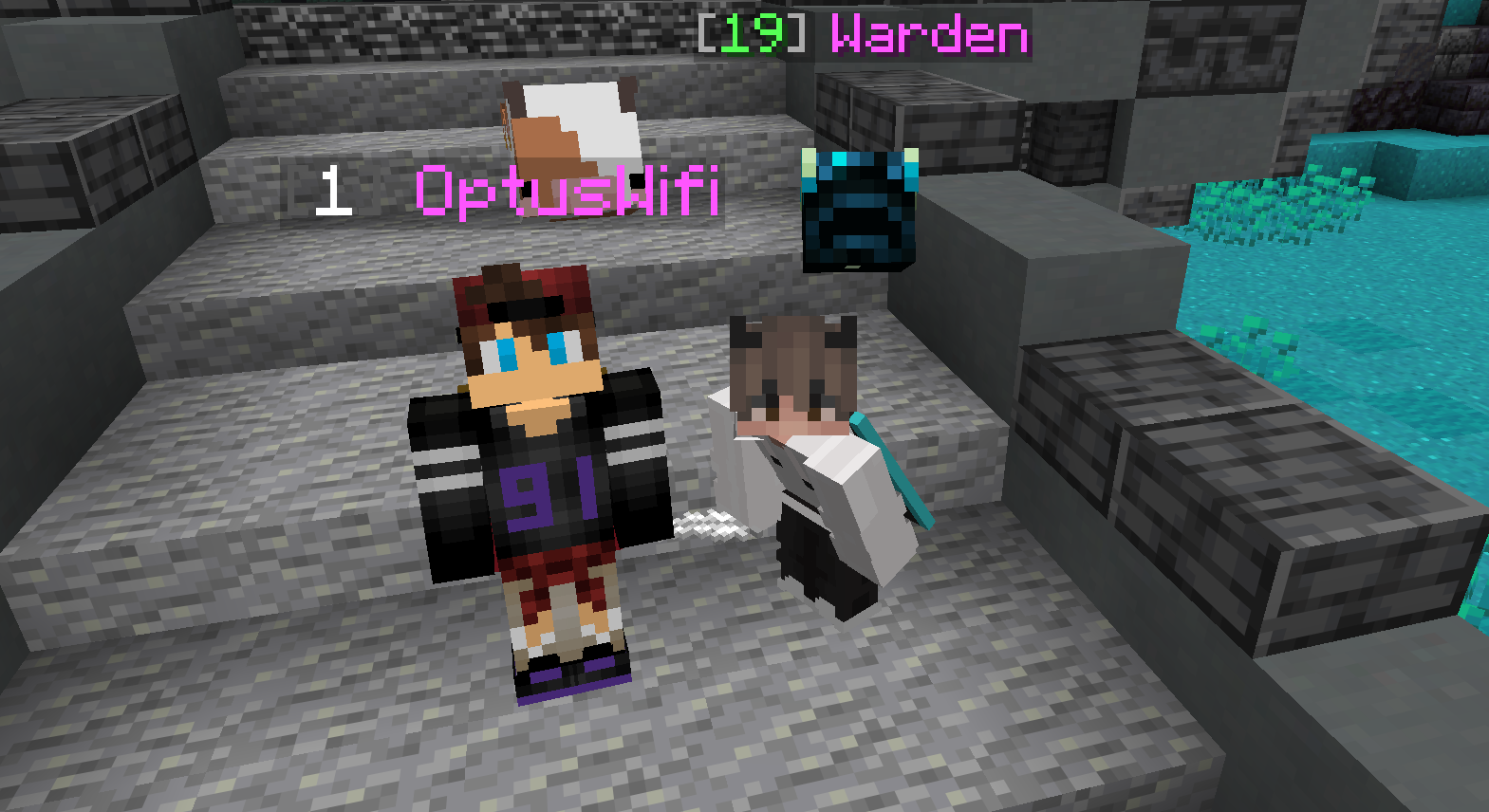
Start with World Visits
In Friends, right-click a friend and enable World Visits to let that person visit your world. They control access to their own world separately. Being friends is not a two-way access grant.
For the normal Friends visit flow, the owner should be online and the world should be ready.
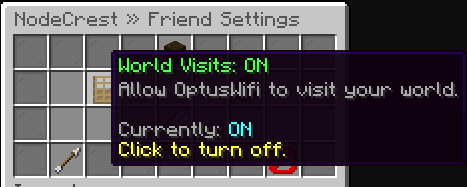 World Visits grants one selected friend permission to visit your SMP.
Invite for a session
While on your own SMP, /invite <username> sends an online player a direct invitation. The recipient uses the clickable accept or decline action. Invitations expire, so send a fresh one if the original is no longer valid.
Check other restrictions
World Settings → Players & Access contains available whitelist and related controls. A visit permission does not mean every Minecraft access restriction is disabled. Read those controls before enabling a whitelist.
If someone cannot enter, check permissions, owner presence, world readiness, client version and any whitelist. Remove access deliberately when a session or friendship changes. See the friends guide for the full menu flow.
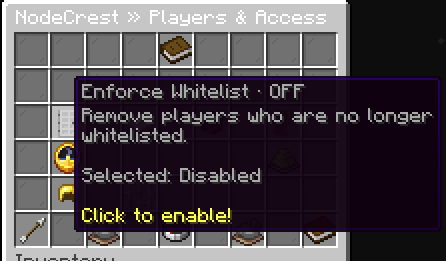 The Players and Access category in World Settings.
Keep exploring
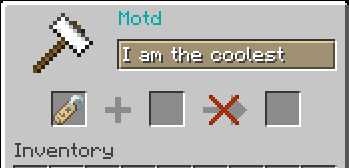
Writing a Useful Greeting for Your SMP
Give invited players a recognizable world description without treating a greeting as an access rule or an announcement to everyone.
6 Oct 2026
Stopping Your SMP Is Different From Deleting It
Use ordinary power controls for a break and read deletion confirmations before permanently removing an existing world.
6 Oct 2026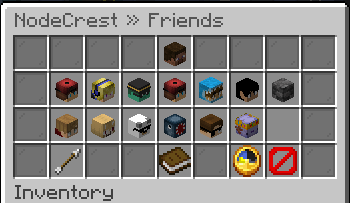
How to Play With Friends on Your NodeCrest SMP
Add friends, accept requests and control who can visit your world. Learn why friendship and world access are separate, and how to join an available friend's SMP.
6 Oct 2026