
Finding Your Way Around the NodeCrest Lobby
Use the lobby menus, profile and navigation commands to reach your world, friends, cosmetics and game modes.
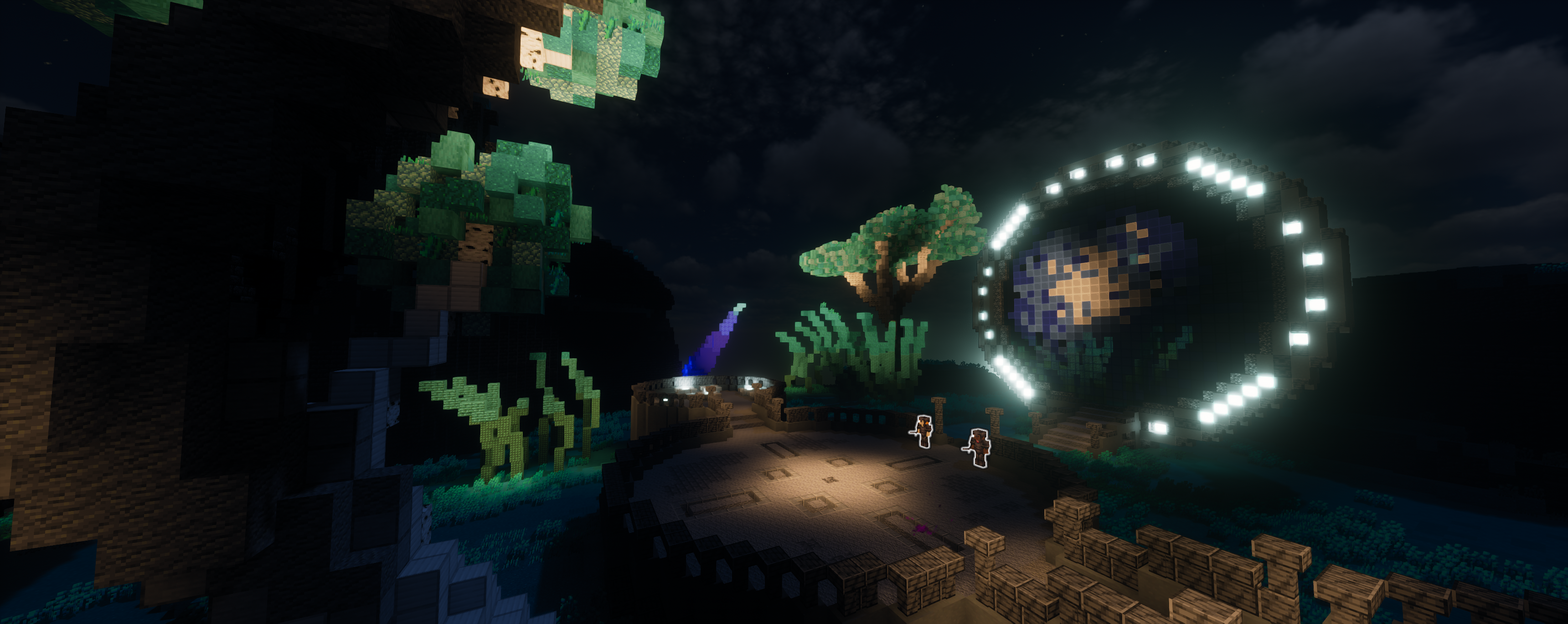
Start with the menu
Join play.nodecrest.com and use /menu to open Game Modes. SMP leads to your personal survival world; other available modes have their own progression. Menu items explain what they do when you hover them, so read the tooltip before clicking.
Use /profile for your account overview, progression and friends. The lobby hotbar also provides shortcuts to common features.
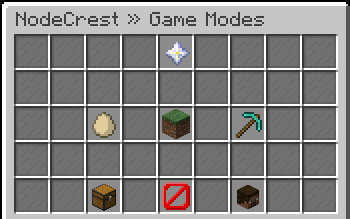 The NodeCrest lobby Game Modes menu and its SMP entry.
Come back to the hub
Use /lobby or /hub to return from a game server. /leave is another lobby shortcut. Returning to the lobby is different from shutting down your SMP: its power controls are in Your SMP.
If a menu is loading, keep its status visible and wait for the result. An unavailable feature is not an invitation to repeat the same request continuously.
Choose your next step
Start with creating an SMP, playing with friends, or claiming a companion. Check the rules before sharing a world with others.
Keep exploring
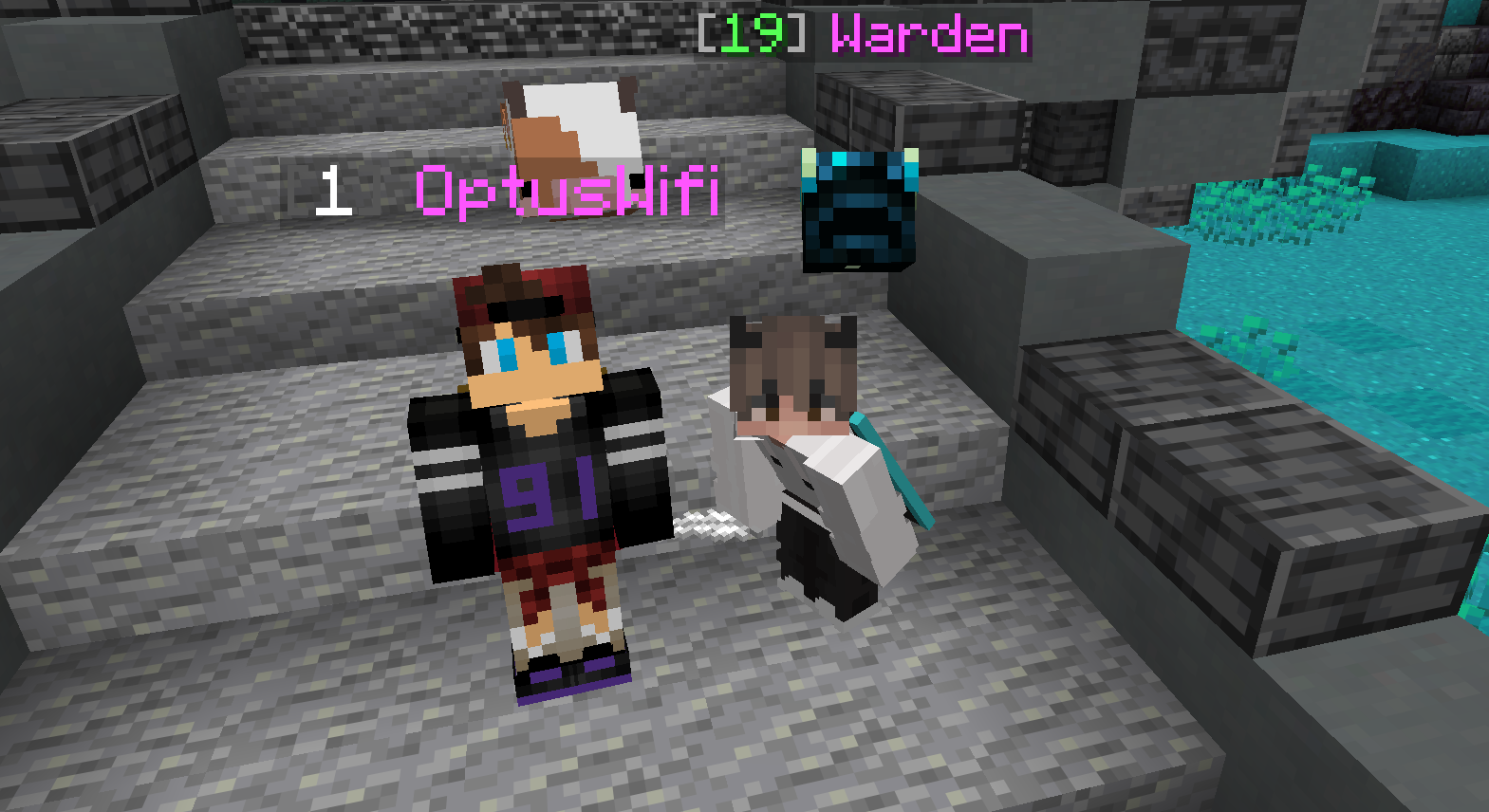
Controlling Who Can Visit Your SMP
Understand World Visits, direct invitations and whitelist controls so you can keep your private world accessible to the right players.
6 Oct 2026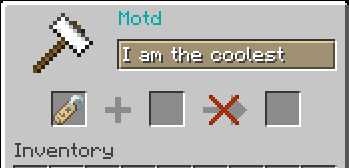
Writing a Useful Greeting for Your SMP
Give invited players a recognizable world description without treating a greeting as an access rule or an announcement to everyone.
6 Oct 2026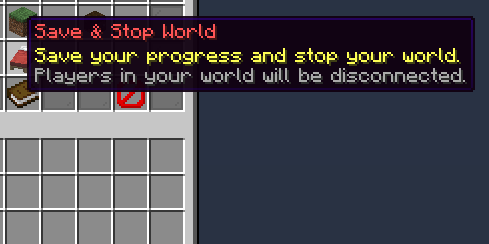
Stopping Your SMP Is Different From Deleting It
Use ordinary power controls for a break and read deletion confirmations before permanently removing an existing world.
6 Oct 2026